Unity-Fort Yard Roulette Tactics With PCG And Game Server
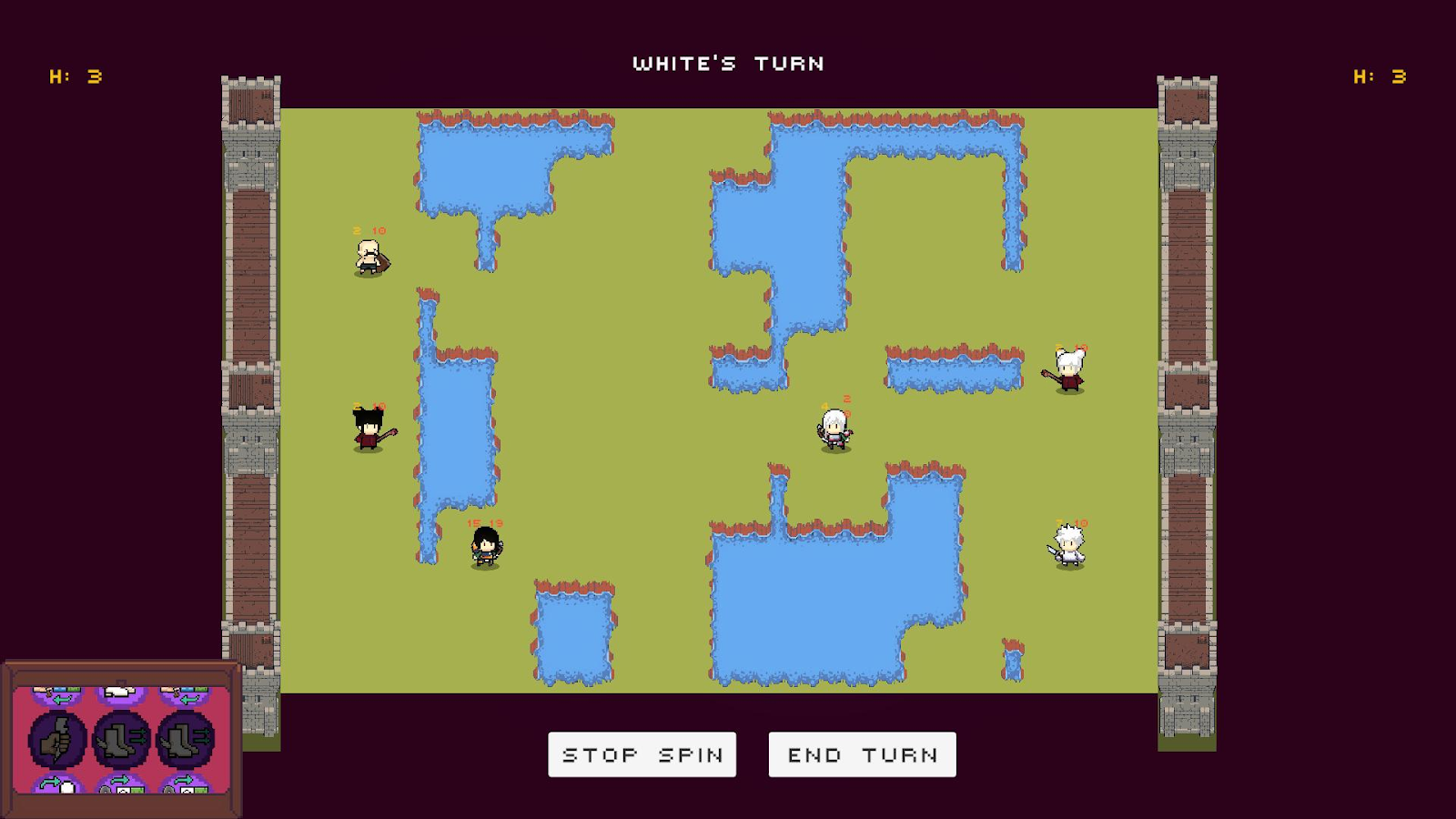
Fort Yard Roulette Tactics is a Pixel-Art Turn-based Strategy PvP game, in which each player tries to destroy their opponent’s base with their units. The environment (board) in Fort Yard Roulette Tactics is procedurally generated, making every turn of the game a new and different experience.
- Yifei Liu
- Andrey Roytman
- Alexandru Mircea Ulesa
- Sina Bolouki
It contains 2 different version:
- (Early version) Single PC version - 2 players control the PC in turns.
- (Upgrade version) Multiplayer version - 2 players connect to the game server and play against each other.
Controls and Feel
- Controls: The players select and deselect items and units using the left and right mouse button respectively.
- Camera: Is constantly showing the game board.
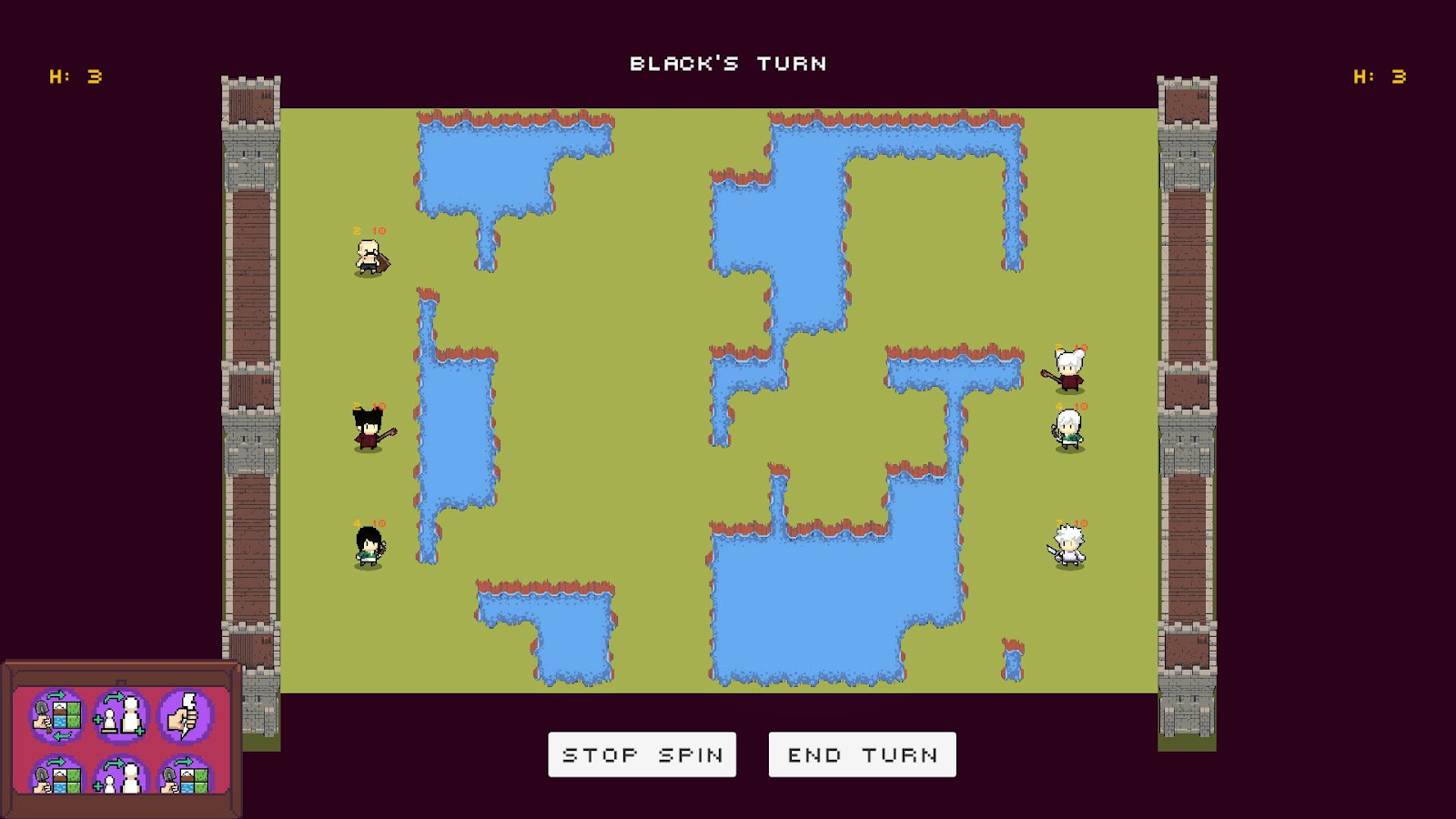
- UI: The slot machine is one of the most important parts of the game’s UI as the players have to interact with it every turn. Also, the pause menu can be toggled with the Escape key. The Game Over screen shows which player won at the end of the game. Additionally, there is information about each unit and base in the game.
Core Mechanics
Each player has a color which is either white or black. The game is played in turns, and the first player to play is selected randomly. Each player has to place three units at the start of the game in their spawn zone which is near their base.
During each turn the slot machine starts turning and the player has to stop it to reveal three random actions that they can do during their turn. The four available are described further. The player can use some or all of the three actions that they get by selecting the action from the slot machine and then placing it on the appropriate cell or unit. The turn ends after either all three actions are used or the end turn button is pressed.
Available Actions
- Spawn/Upgrade a unit: the player can either spawn a new unit or upgrade an existing unit with this action. The units can only be upgraded twice. There is no limitation on the number of units in the game.
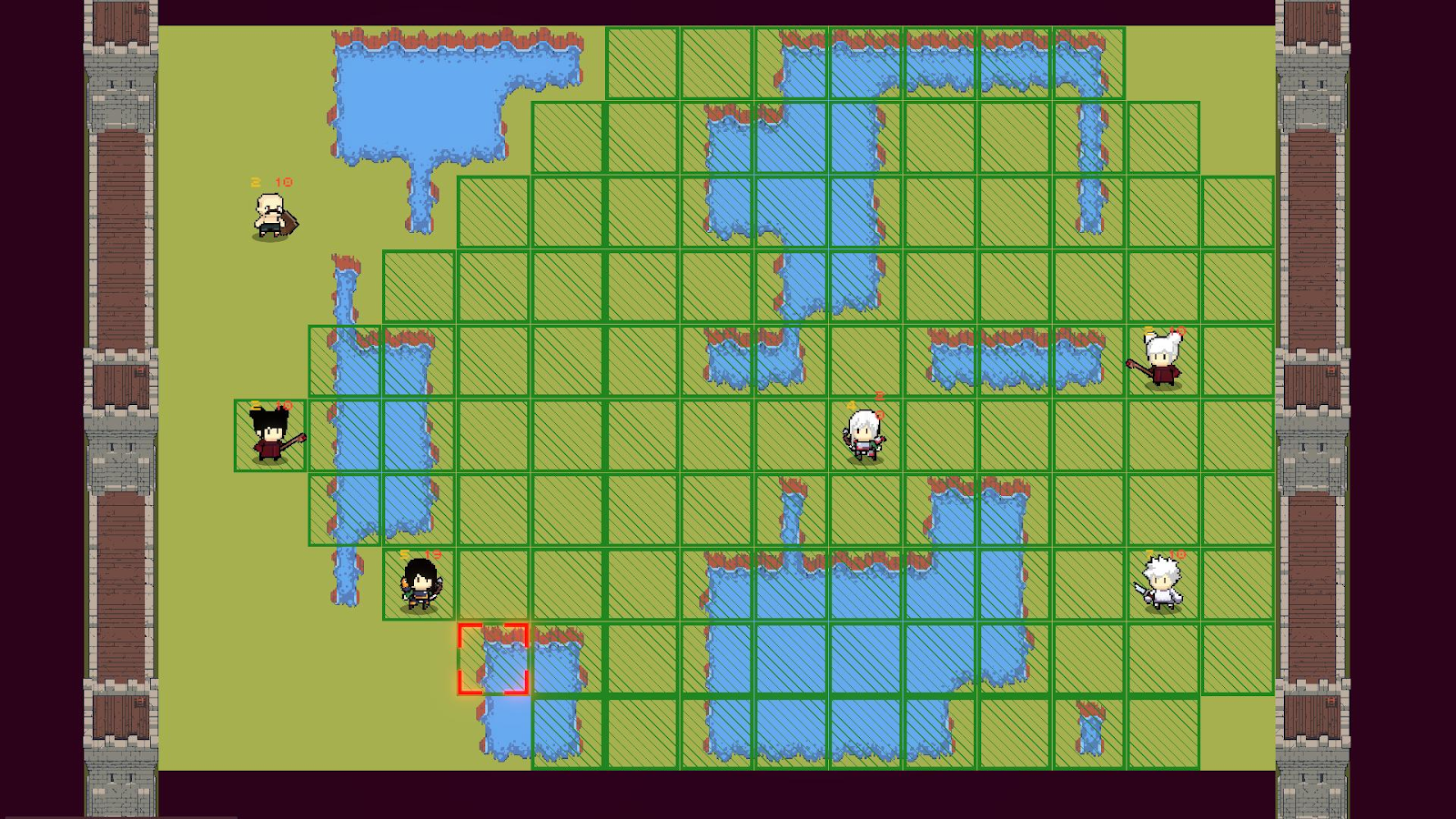
- Move: the player can use this action to move a unit to one of the available positions for the unit. The moving range of the unit is dependent on their class and level.
- Attack: the player can use this action to attack one or multiple enemy units with one of their own units. The number of available attacks is determined by the selected unit’s class and level.
- Terraform: the player can use this action to change the type of one the cells of the board. The cell should be empty of units.
Unit Classes
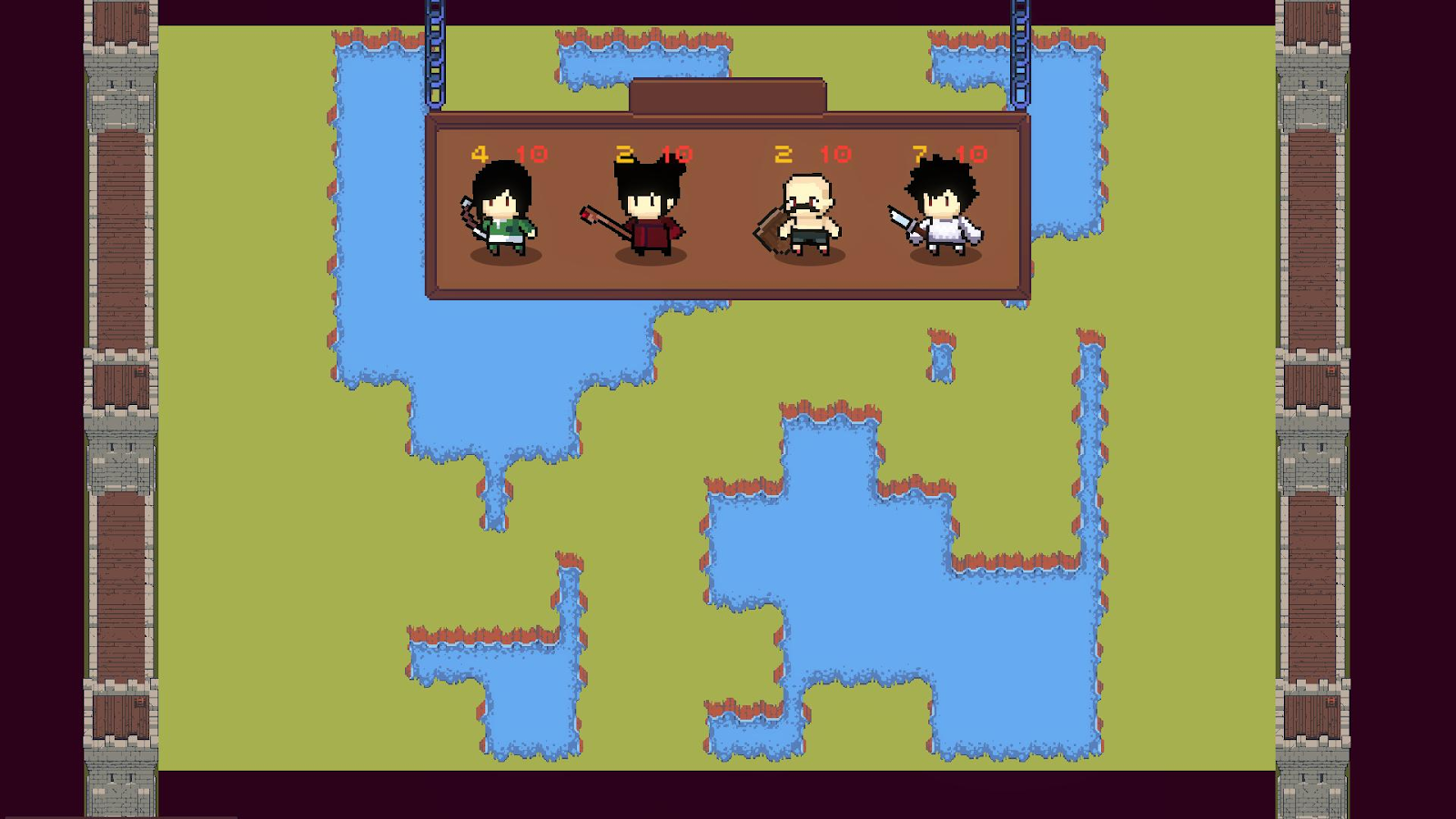
There are four classes available in the game:
- Archer - uses a bow for one-target ranged attacks.
- Mage - uses a staff for casting damaging spells over an area.
- Paladin - uses a sword for melee attacks and focuses on high defense.
- Warrior - uses a sword for melee attacks and focuses on high damage.
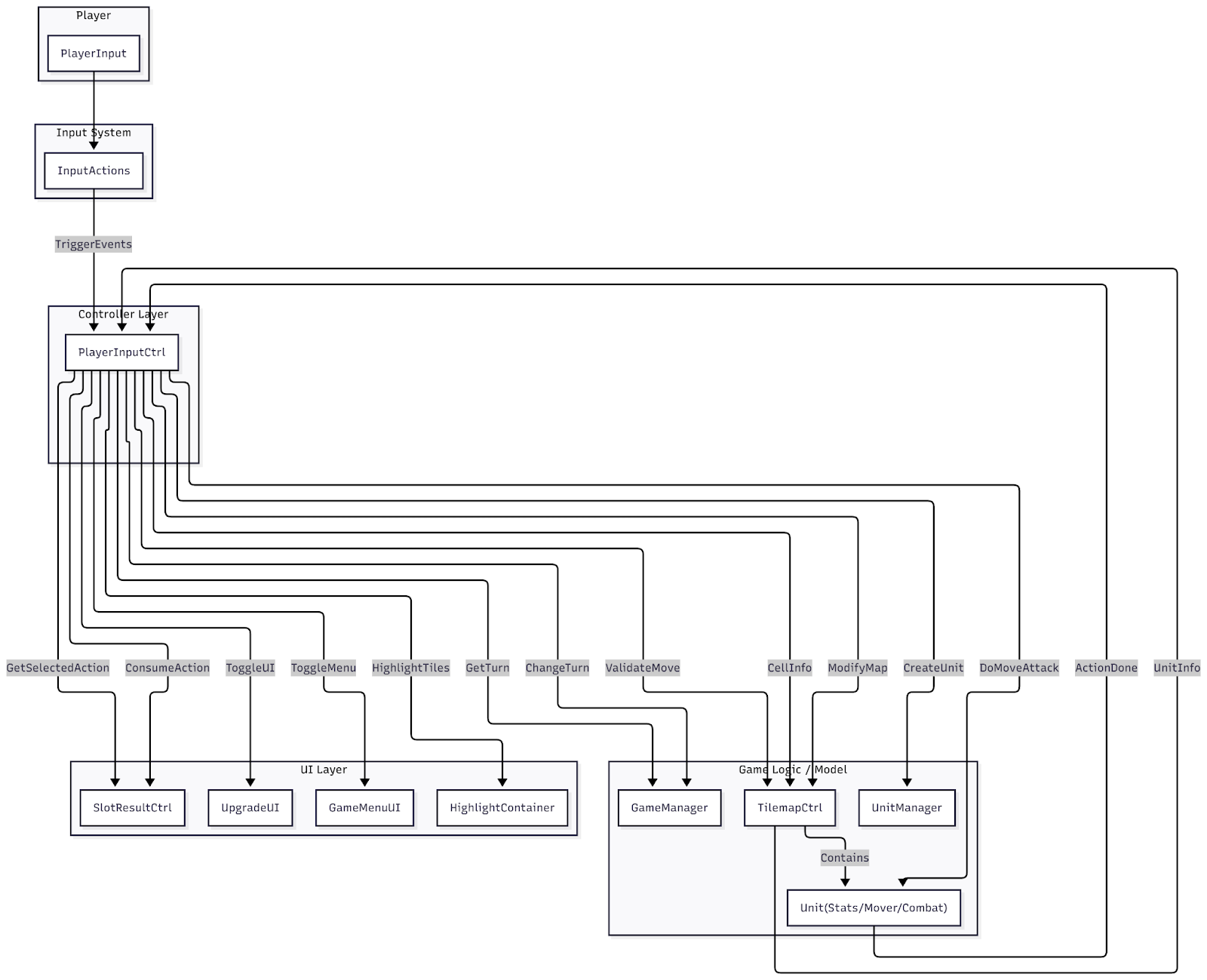
Input Flow
Procedural Generation Concept
Map generation - Perlin Noise
We used Perlin noise to procedurally generate the board. Each cell gets a value from 0.0-1.0 based on the noise. If the value is below the obstacle threshold, an obstacle (sea) would show up in that cell, otherwise the cell is a walkable ground.
Turn Actions - RNG
Each action item is chosen as a result of a player stopping a rolling roulette on the slot machine. All three rolling elements have four possible results: player’s available actions.
The actions menu starts rolling at the start of the player’s turn and stops as they press the “Stop Spin” button.
Upgrade Items - RNG
Second and third level items’ parameters are generated with random numbers every time a player uses an upgrade card on a character.
To give an example, we can have a look at armor items on level 2. They have attack and health bonuses, but in order to be balanced, the script generates attack bonus first and then computes the health bonus, depending on how high the attack bonus value is.
Characters Combination - Simple Procedural Algorithm
When combining two different characters, new character values are counted by adding values from former characters to each other (e.g. HP, attack damage, attack range), and different types of attacks get mixed, too.
Used Assets
Additional assets, that were not developed by us, are:
- characters’ and Items’ art and animations,
- sound effects,
- text font,
- UI elements art (except for menus for player actions and upgrades)
Gameplay Screenshots